I spent three hours last Tuesday trying to organize a project roadmap. Half of that time was spent in a browser tab with a blinking cursor, and the other half was spent in my workspace trying to make sense of what I’d just pasted there. It’s a common friction point: do you want a brilliant conversationalist to brainstorm with, or do you want a tool that lives inside the house where you actually do your work?
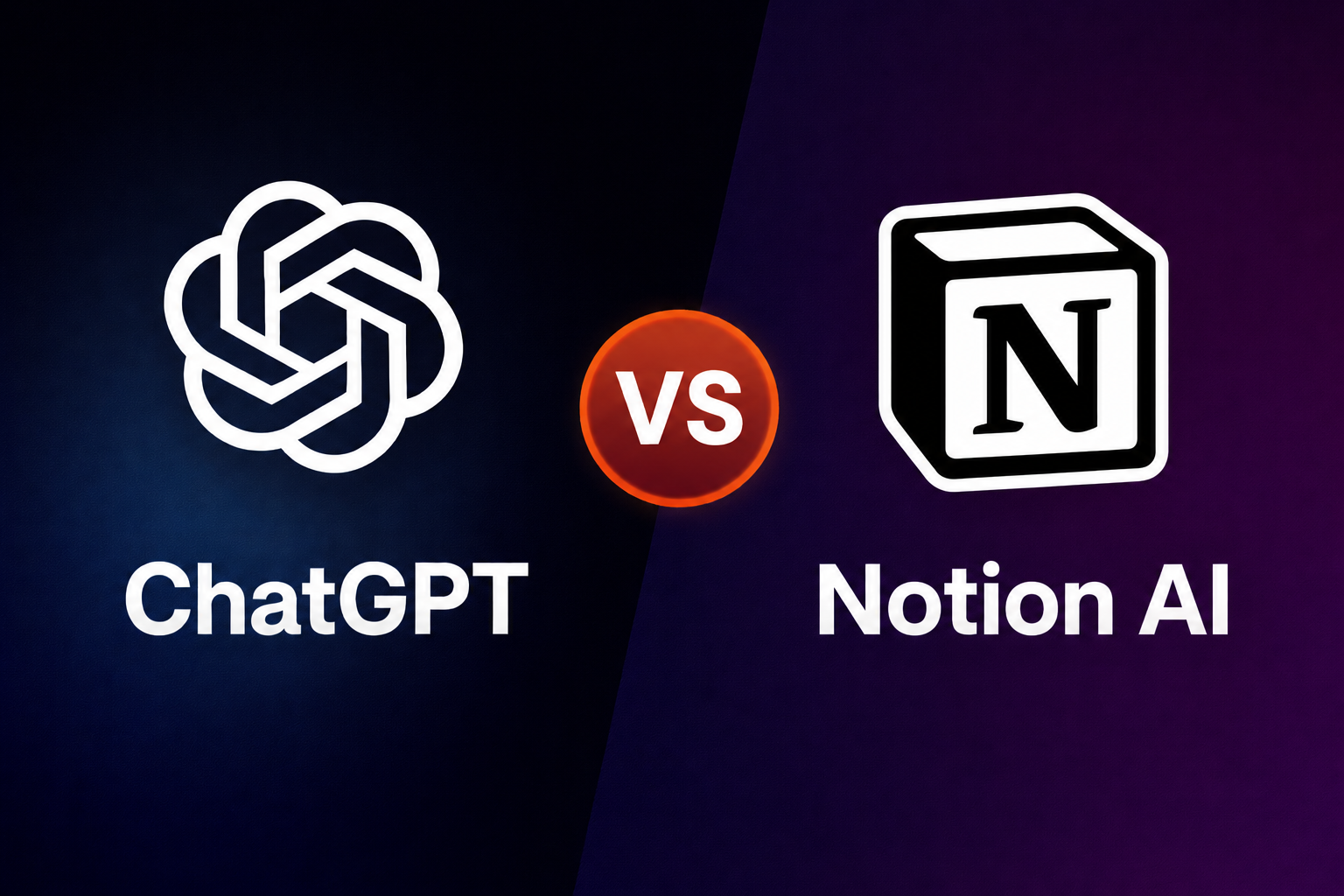
The debate between ChatGPT and Notion AI isn’t really about which one is “smarter.” They both use similar engines under the hood. The real difference is the workflow. It’s the difference between calling an expert on the phone and having an assistant sitting right next to you at your desk, already holding the files you need.
The Friction of the “Middle Man”
ChatGPT is the ultimate generalist. It’s the tool I go to when I have a weird, specific problem—like trying to debug a script or asking for five different ways to explain a complex topic to a client. But there’s a tax you pay for that versatility: the “copy-paste” tax.
I’ve noticed that when I use ChatGPT for long-form writing or project planning, I’m constantly jumping between tabs. I generate a draft, copy it, paste it into my doc, realize the formatting is messed up, go back to ask for a revision, and repeat. It sounds small, but after the tenth time in an afternoon, it feels like a chore.
Notion AI solves that specific headache. Because it’s baked into the page, it knows the context of what’s already there. I can highlight a messy list of meeting notes and tell it to “find action items,” and it just does it, right there on the page. No tab switching, no formatting nightmares. But—and this is a big “but”—it often feels more constrained. It’s designed to be a worker bee, not necessarily a creative partner.
Where ChatGPT Still Wins
If you are looking for raw, creative horsepower, ChatGPT is still the heavy hitter. I’ve found that it handles complex, multi-step reasoning much better. If I give it a massive data set or ask it to role-play a difficult conversation with a stakeholder, the nuance is just… better.
Notion AI can feel a bit “templated” by comparison. It’s very good at “summarize this” or “make this longer,” but it lacks that conversational depth where you can go back and forth for twenty prompts to find a breakthrough.
There’s also the matter of plugins and external connections. ChatGPT is becoming a bit of a Swiss Army knife. If I need to analyze a PDF or generate a quick visual chart, I can do that there. In Notion, I’m largely limited to the text and data living within my workspace.
The Hidden Downside of Notion AI
One thing that really annoyed me about Notion AI is that it’s tied to the Notion ecosystem. If you don’t like how Notion handles databases or if you find their block-based editing a bit clunky, the “AI” part won’t save it for you. It’s an enhancement of the platform, not a standalone miracle.
I also noticed that Notion AI’s responses can sometimes feel shorter or more “clipped” than ChatGPT’s. It’s clearly tuned for business utility—brevity, clarity, and structure—which is great for a project manager but less ideal for a writer trying to find a unique voice.
Quick Comparison: The Practical View
- Ease of Use: Notion AI is more intuitive if you already use Notion; ChatGPT is easier for those who prefer a “blank slate.”
- Output Quality: ChatGPT feels more creative and nuanced; Notion AI is more structured and utilitarian.
- Speed: Notion AI wins for editing existing work; ChatGPT wins for generating something brand new from scratch.
- Best for: Notion is for organizers and teams; ChatGPT is for researchers and solo creators.
- Limitations: ChatGPT requires a lot of “manual labor” to move work around; Notion AI is stuck inside its own app.
The Real-World Choice
If you are someone who spends your day in a deep-research hole, you probably want ChatGPT. It’s the better “brain” for unorganized thoughts. However, if you are a manager, a student, or a freelancer who already tracks tasks and notes in one place, Notion AI is the smarter play because it reduces the mental load of managing your tools.
For those who find neither of these quite right, there are alternatives. Claude has a more “human” writing style that many prefer over ChatGPT, and Perplexity is far superior if your main goal is searching the web for facts. I use Perplexity when I need a bibliography and ChatGPT when I need a creative spark.
Who Should Avoid Which Tool?
Don’t get ChatGPT if you hate clutter. Your sidebar will eventually become a graveyard of “New Chat” sessions that you can never find again. It’s a mess for long-term knowledge management.
Don’t get Notion AI if you aren’t already a power user of Notion. It’s an expensive add-on if you’re only using it to write a few emails. Also, if your work requires heavy data privacy—where you don’t want your entire workspace indexed or accessible to these features—you might find the integration a bit too “close for comfort.”
If you just want a quick answer, this should help:
| Factor | ChatGPT | Notion AI |
| Primary Strength | Creative Brainstorming | Contextual Editing |
| Workflow | Conversational (Tab-hopping) | Integrated (In-page) |
| Best For | Complex problem solving | Organizing & Summarizing |
| Speed | Fast responses | Fast implementation |
| The Big Flaw | Messy organization | Limited to Notion app |
The decision really comes down to where you want the “thinking” to happen. I’ve found that I still pay for both, but for different reasons. I use ChatGPT to figure out what to do, and I use Notion AI to actually do it.
The Final Verdict
If you are currently struggling with a million open tabs and your “Notes” folder is a disaster, go with Notion AI. The ability to fix a draft or summarize a meeting right where the data lives is a massive time-saver for anyone in a “builder” or “manager” role.
However, if you feel like your current writing or thinking is stale and you need a partner to push your ideas further, ChatGPT is the superior choice. It remains the most capable general-purpose assistant on the market, even if it requires you to do a bit more “lifting” to get the text into its final home.
Pick ChatGPT if: You need a high-level creative partner and don’t mind moving your work between apps. Pick Notion AI if: You want to stay organized and need a tool that understands the context of your existing projects and notes.